No products added!
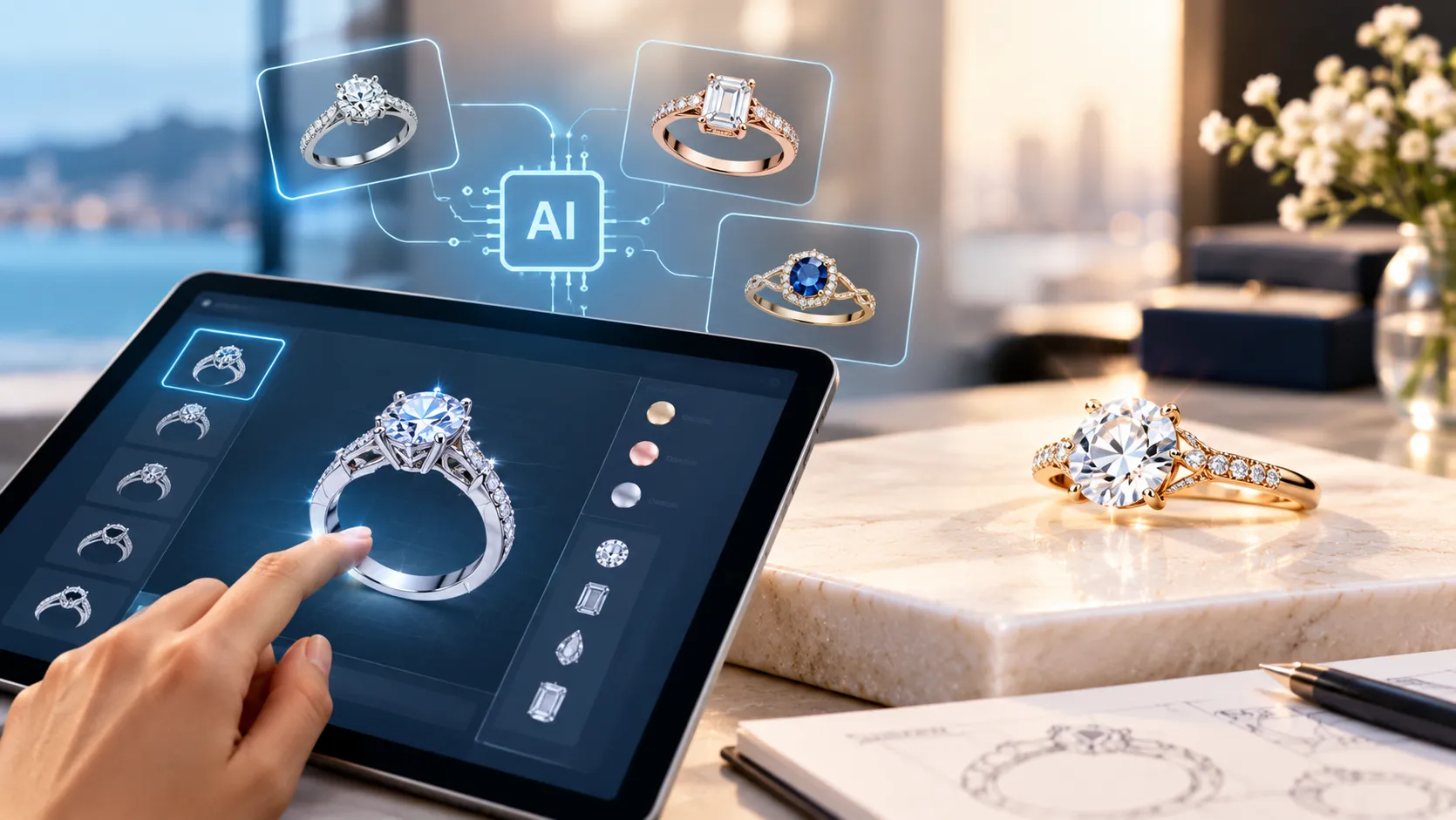
Designing a custom ring traditionally involves several stages: explaining an idea to a jeweler, creating sketches, developing CAD models, reviewing renders, making revisions, and finally preparing the design for manufacturing. Artificial intelligence is changing the early stages of this process by allowing people to visualize ring ideas from text descriptions, sketches, or reference images.
AI ring design tools can generate concepts in seconds, making it easier to explore different styles before committing to a final design. However, an AI-generated image is not automatically a manufacturing-ready jewelry design. Understanding the difference between AI concept generation, CAD design, and jewelry manufacturing is essential when creating a ring with AI.
What Is AI Ring Design?
AI ring design uses generative artificial intelligence to create visual concepts based on instructions provided by the user. A person can describe the desired ring using natural language, upload a sketch, or provide a reference image. The AI then interprets those inputs and generates one or more visual concepts.
For example, a prompt could describe:
“A minimalist 14K yellow gold oval engagement ring with a four-prong setting, pavé diamond band and hidden halo.”
An AI system can turn that description into a realistic-looking ring image. Users can then modify elements such as the metal color, gemstone, setting, band style, or overall aesthetic and generate additional concepts.
Several current AI jewelry platforms use this basic concept-to-visual workflow, while some are also developing 3D modeling and production-oriented capabilities.
How Does an AI Ring Generator Work?
Although individual platforms work differently, the process generally follows several steps.
1. Start With an Idea
You do not need a technical jewelry background to begin. The starting point can be a simple description such as:
- Oval diamond ring
- Vintage-inspired sapphire ring
- Men’s black gold signet ring
- Two-tone wedding band
- Floral engagement ring
- Personalized birthstone ring
The more specific the description, the more useful the resulting concept can become.
2. Add Design Details
You can provide additional information about the ring, including:
- Metal type
- Gold karat
- Metal color
- Center stone
- Gemstone shape
- Setting style
- Band width
- Side stones
- Engraving
- Overall design style
- Intended occasion
For example, instead of simply requesting a “diamond ring,” you might specify an 18K white gold oval diamond solitaire with a cathedral setting and delicate pavé shoulders.
These details give the AI more information to interpret when producing a concept.
3. Generate the Initial Concept
The AI processes the description and generates a visual representation. Modern tools can produce photorealistic jewelry concepts rather than simple line drawings.
Some systems also allow users to upload a sketch or reference image. Image-reference workflows can help preserve particular visual characteristics while allowing other elements to be changed. Adobe, for example, provides reference-image functionality for guiding generative image creation.
4. Refine the Design
The first concept does not have to be the final concept.
You can make adjustments such as:
- Change yellow gold to platinum
- Replace an oval stone with an emerald-cut stone
- Make the band wider
- Remove the halo
- Add side stones
- Change a modern design to a vintage style
- Add engraving
- Simplify the setting
This iterative process is one of the main advantages of AI-assisted design. Instead of starting again from scratch for every variation, you can use the generated concept as a visual starting point.
What Can You Design With AI?
AI can be particularly useful during the creative and visualization stage of many ring styles.
Engagement Rings
AI can help visualize solitaire, halo, three-stone, cluster, hidden-halo, vintage and contemporary engagement ring concepts.
You can experiment with different center-stone shapes such as round, oval, pear, emerald, cushion, princess and marquise.
Wedding Bands
For wedding bands, AI can generate concepts involving plain polished bands, pavé designs, engraved patterns, twisted bands, eternity styles and mixed-metal designs.
Men’s Rings
AI can also be used for men’s jewelry concepts, including signet rings, wedding bands, statement rings, geometric designs and personalized rings.
Birthstone and Gemstone Rings
You can explore designs using sapphires, rubies, emeralds, birthstones and other colored gemstones. AI can help visualize how different gemstone colors interact with metals and surrounding stones.
Personalized Rings
Initials, names, dates, symbols and other personal elements can be incorporated into the design concept. The resulting image can then be used as a discussion point with a jewelry designer or manufacturer.
AI Ring Design vs. CAD Jewelry Design
One of the most important distinctions is between AI-generated visualization and CAD jewelry design.
AI image generation primarily focuses on creating a visual representation. CAD, or computer-aided design, creates a structured digital model that can be developed according to manufacturing requirements.
Professional jewelry CAD involves considerations such as scale, proportions, stone dimensions, metal thickness, setting geometry and manufacturing methods. GIA’s CAD/CAM education specifically covers creating jewelry models within constraints related to cost, size, proportion, manufacturing methods and engineering requirements.
This means an attractive AI-generated ring image should generally be treated as a design concept rather than a production blueprint.
For example, an AI image may show delicate prongs that look visually appealing but may not provide enough material or geometry for a real setting. Similarly, a band may appear thinner than what would be appropriate for durability.
A jewelry professional or CAD designer needs to translate the approved concept into a manufacturable design.
Can AI-Generated Ring Images Be Made Into Real Rings?
Yes, but an additional design and engineering stage is normally required.
The general process can look like this:
Idea → AI Concept → Design Refinement → CAD Model → Review → Prototype → Manufacturing
Some emerging AI jewelry platforms are attempting to connect concept generation with 3D modeling and production workflows. However, the level of automation varies significantly between tools.
Before manufacturing, important specifications need to be established, including:
- Exact ring size
- Metal type and karat
- Band dimensions
- Stone dimensions
- Setting construction
- Prong size and placement
- Minimum metal thickness
- Stone clearances
- Overall weight
- Manufacturing method
This is why professional review remains important even when AI is used extensively during the design stage.
How to Write Better AI Prompts for Ring Design
A vague prompt can produce a generic result. A structured prompt generally gives you more control.
Instead of:
“Create a beautiful gold engagement ring.”
Try:
“Create a contemporary 14K yellow gold engagement ring featuring an oval center diamond, four-prong solitaire setting, slim pavé band, low-profile basket, polished finish and subtle cathedral shoulders. Show the ring from a three-quarter product-view angle with realistic fine-jewelry proportions.”
A useful prompt can contain five main elements:
Ring type + metal + gemstone + setting + design style
You can then add details such as proportions, engraving, texture, finish and intended occasion.
Benefits of Using AI for Custom Ring Design
Faster Visualization
AI can turn an idea into a visual concept quickly, making it easier to understand how a design might look.
More Design Exploration
Instead of considering one design, you can generate multiple variations involving different metals, stones and styles.
Better Communication
A visual concept can help customers explain their preferences to a jeweler. This can reduce ambiguity compared with describing a design entirely through words.
Useful for Early Design Decisions
AI is particularly valuable when the customer knows the desired aesthetic but has not yet settled on specific design details.
Accessible to Non-Designers
Traditional CAD software requires specialized skills. AI image-generation tools can allow people without CAD experience to explore jewelry concepts in everyday language.
Important Limitations of AI Ring Design
AI should not be treated as a substitute for jewelry engineering.
Generated images can contain inaccuracies involving stone proportions, prong construction, symmetry, metal thickness and other technical details. An image may look realistic while still being impractical to manufacture.
There is also an intellectual-property consideration when using reference images. If you upload another designer’s or brand’s image, you should have the appropriate rights or permission to use it for that purpose. Adobe, for example, specifically discusses rights associated with reference material and generative workflows.
For custom jewelry, AI is therefore most useful when treated as a creative visualization and communication tool, followed by professional design validation.
Tips for Creating a Custom Ring With AI
If you want to experiment with AI ring design, start with a clear design brief.
Define the purpose first: engagement, wedding, anniversary, everyday wear, fashion or a special occasion.
Then decide on the metal, such as yellow gold, white gold, rose gold, platinum or sterling silver.
Next, specify the center stone and its shape. If you already know your preferred diamond or gemstone, include those details.
Then describe the setting and band, including solitaire, halo, three-stone, pavé, bezel, signet or another style.
Finally, add the details that make the design personal, such as engraving, birthstones, symbols or a particular inspiration.
Once you have a concept you like, use it as a starting point for professional CAD development rather than assuming the AI image itself is ready for production.
Conclusion
AI ring design is making the early stages of custom jewelry creation more visual, interactive and accessible. From a simple written idea or reference image, users can explore different ring styles, metals, gemstones and settings before moving toward a finalized design.
The most practical approach is to view AI as part of the custom jewelry design process, not as a replacement for professional CAD modeling, jewelry engineering or manufacturing expertise. An AI-generated concept can communicate the creative direction, while professional design validation ensures that the final ring can be produced with appropriate proportions, durability and setting construction.
At Custom Karat, customers can bring their ideas, sketches or inspiration to the custom jewelry process and work toward a personalized ring based on their preferred design, metal and gemstones. The AI concept can be a useful starting point for communicating an idea, while the subsequent professional design and manufacturing stages turn that concept into a finished piece of jewelry.

About Author Brijesh Sharma
Brijesh Sharma is a jewelry retail industry author who shares expert insights on diamonds, lab-grown jewelry, custom designs, and smart jewelry buying. His content helps customers understand quality, pricing, trends, and craftsmanship so they can make confident jewelry purchase decisions.